Hybrid Cinematography: Previsualizing and Managing Hallucination Risk in Generative Video Reshooting
1 Cornell University2 Google
Contributions
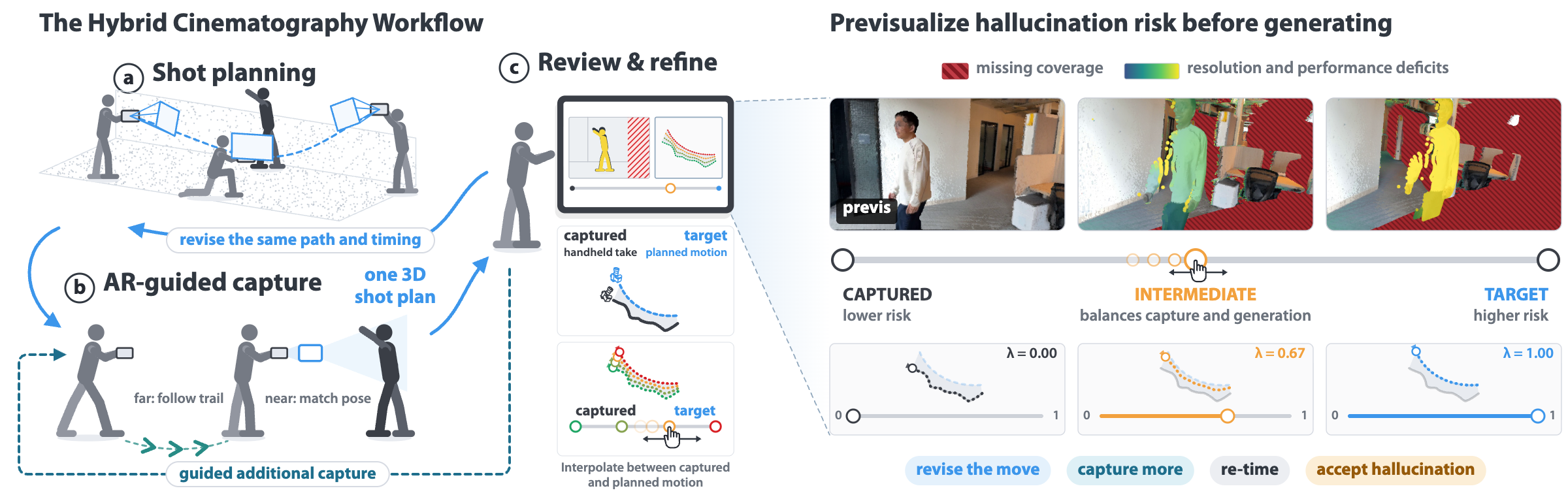
A workflow for hybrid cinematography
Navigate the continuum between captured and target camera moves, balancing physical capture against generative hallucination.
Strategies for visualizing hallucination risk
Reveal where and why a recorded take lacks support for a target camera move, pairing distinct deficits with targeted responses before generation.
Captured camera movePhysical captureTarget camera moveGenerative reshoot A mobile AR prototype and offline pipeline
Demonstrate the workflow across on-set planning, guided capture, and review, and post-production editing of existing video.
Findings from seven experienced filmmakers
Show how filmmakers use previsualized hallucination risk to make camera decisions and negotiate tensions between hallucination, creative intent, and the authenticity of recorded performance.
Abstract
On a film set, the camera move is committed during a take. Generative video reshooting lets filmmakers change it afterward, but may require hallucinating unrecorded content, a gap sometimes discovered only after leaving the set. We present Hybrid Cinematography, a workflow that bridges physical capture and generative reshooting to manage hallucination risk while filmmakers can still act on it. Using an editable 3D shot plan and a proxy of the take, our previsualization evaluates hallucination risk in real time. Seeing where the take lacks support, filmmakers can iteratively adjust the plan, explore moves that balance capture and generation, shoot guided pickups, or knowingly accept hallucination. We demonstrate the workflow through a mobile augmented reality application for on-set planning, capture, and review, and an offline pipeline for existing video. A study with experienced filmmakers reveals how previsualizing risk informs camera decisions and exposes tensions between creative intent and generative hallucination.
Between capture and generation
The captured and target camera moves define a range of reshoots, each with different hallucination risk.
- Near the captured path: more faithful.
- Beyond captured content: hallucination.
- You may only find out in post, too late to capture more.
Hallucination
Previsualizing hallucination risk
Keep the recorded take. Change the camera. Explore how a reshoot can ask for evidence the take does not contain.
Unseen surfaces
Moving sideways can reveal surfaces the recorded camera never saw. Red hatching marks this missing coverage.
Missing details
Moving closer spreads the same recorded samples over a larger image area. The model must invent the missing detail.
An unrecorded angle
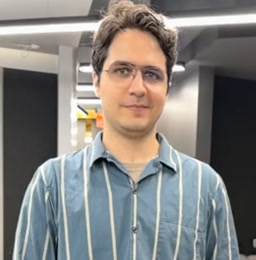
Orbiting a performer reveals a side that was not recorded at that instant. Earlier or later poses cannot supply that same performance.
Illustrative geometry from the project video, showing one deficit at a time.
See how revising the move changes the Walking reshootExplore the compromise slider
Move between captured and target camera paths, then inspect coverage, resolution, and performance.
An on-set example
Planning a shot the phone cannot capture
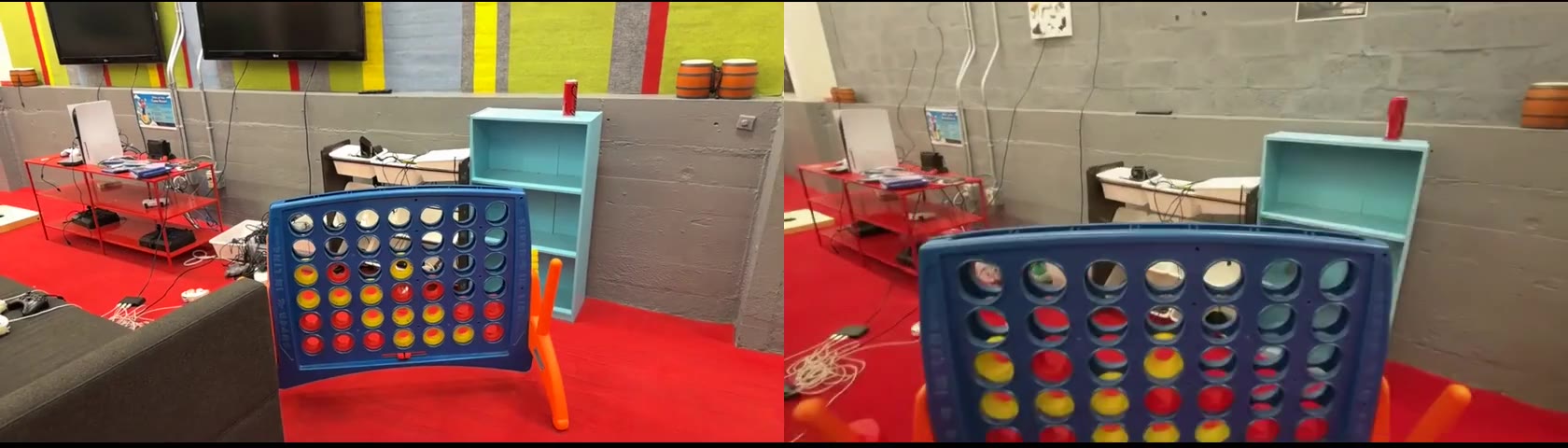
Some cinematic shots are difficult to execute by hand. Here, we plan a dolly zoom followed by a push through a hole in a Connect Four board. The phone cannot fit through the opening, so we plan this move as a generative reshoot.
Plan, capture, and review
Users plan with AR keyframes in 3D (space) and adjust camera speed (time). They capture with AR guidance, without needing to follow the path exactly. After capture, they inspect risk with the compromise slider and revise keyframes to balance physical capture and generative hallucination.
Narrated walkthrough · 1:06
Live capture · LiDAR. The app reconstructs a 3D proxy in real time for on-set review.
From shot plan to model input
- Space · Path and framing
- A (start) → B (dolly zoom) → C (before the hole) → D (fly-through). Keyframes define position, viewing direction, and framing.
- Time · Pace along the path
- Set duration, speed, and easing independently of the path. The performance keeps its recorded timing.
Rendering the proxy along this plan encodes space and time in a point-cloud conditioning video, without a lengthy motion prompt. Recent reshooting models such as Vista4D, GEN3C, and Gemini Omni Flash take it alongside any required source footage and masks.
Recorded handheld video
The actual camera passes over the board. Shown at the recorded timing.
The plan in space and time
Shown here: an offline Pi3X reconstruction rendered along the planned fly-through, with the camera’s path and timing already applied.
GEN3C
Reshoot on the authored camera, from the on-set demo. GEN3C code ↗
Gemini Omni Flash
Conditioned on the shot plan (path and timing) from the app.
Each clip retains its own timing. The two outputs are separate model runs; play them individually or expand a video to inspect the result.
Video examples
Select an example to watch.
Compare the original captures and reshoots, including the drone tour with and without point-cloud guidance and revisions to camera motion and timing. Reshoots come from recent generative reshooting models: Vista4D, GEN3C, and Gemini Omni Flash. The workflow is model-agnostic: the shot plan becomes a point-cloud conditioning video that any of them can take as input.
Drone-like tour
With and without point-cloud guidance · 5 videos
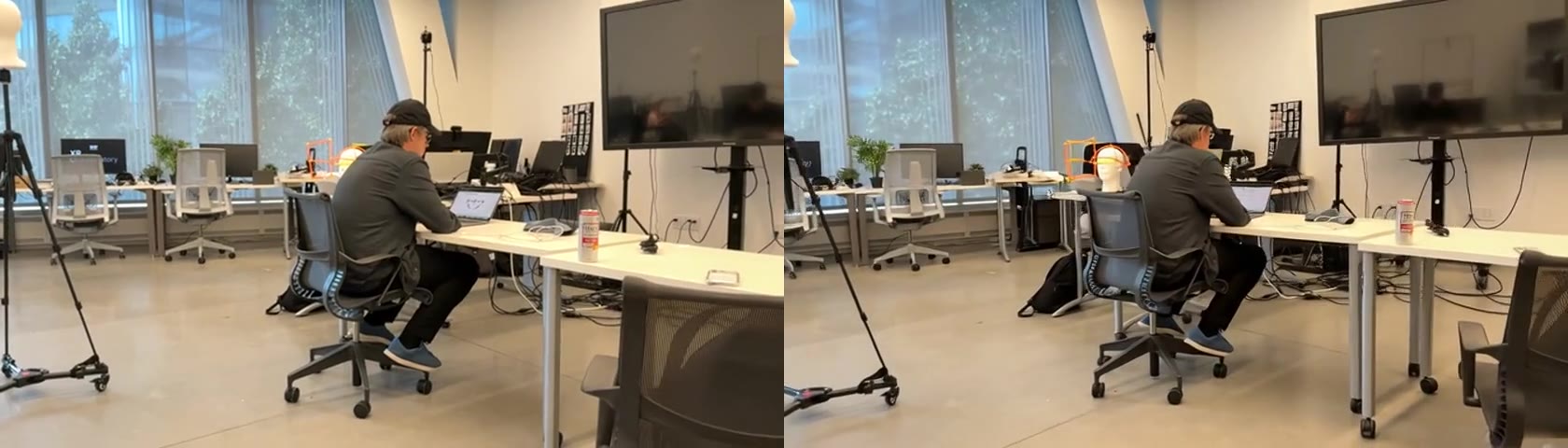
Dolly zoom
Planned reshoot · 3 videos
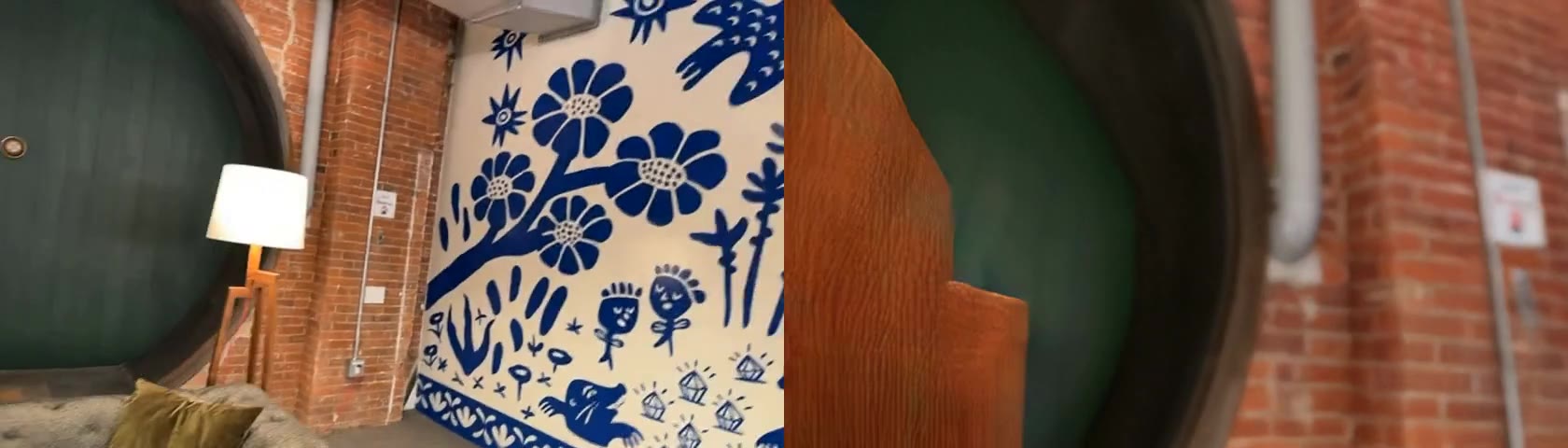
Drone shot 1
Retimed reshoot · 2 videos
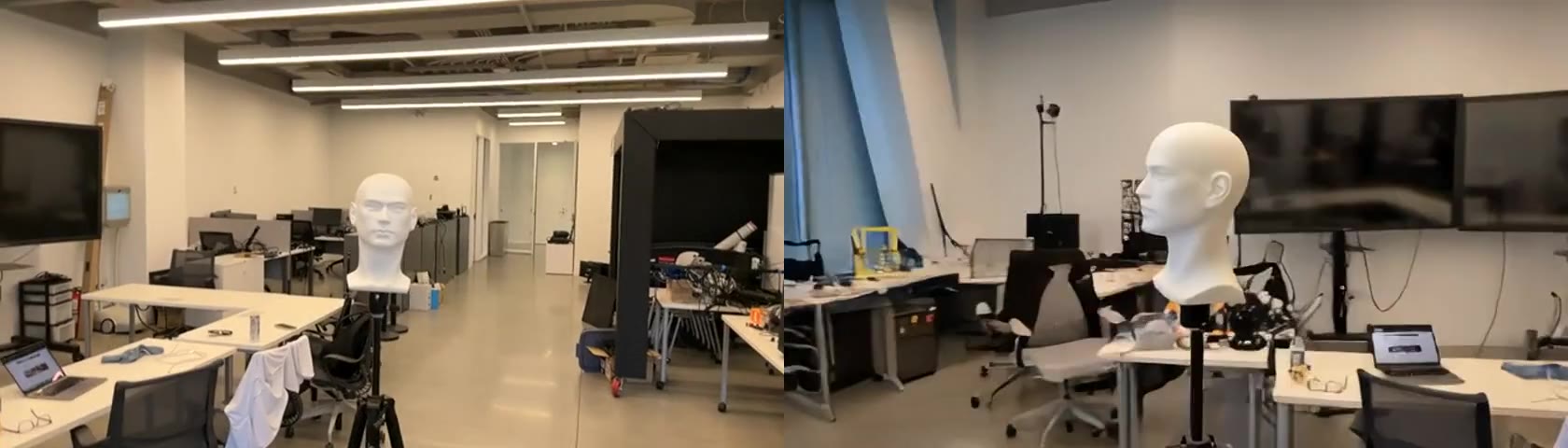
Mannequin
Planned reshoot · 3 videos
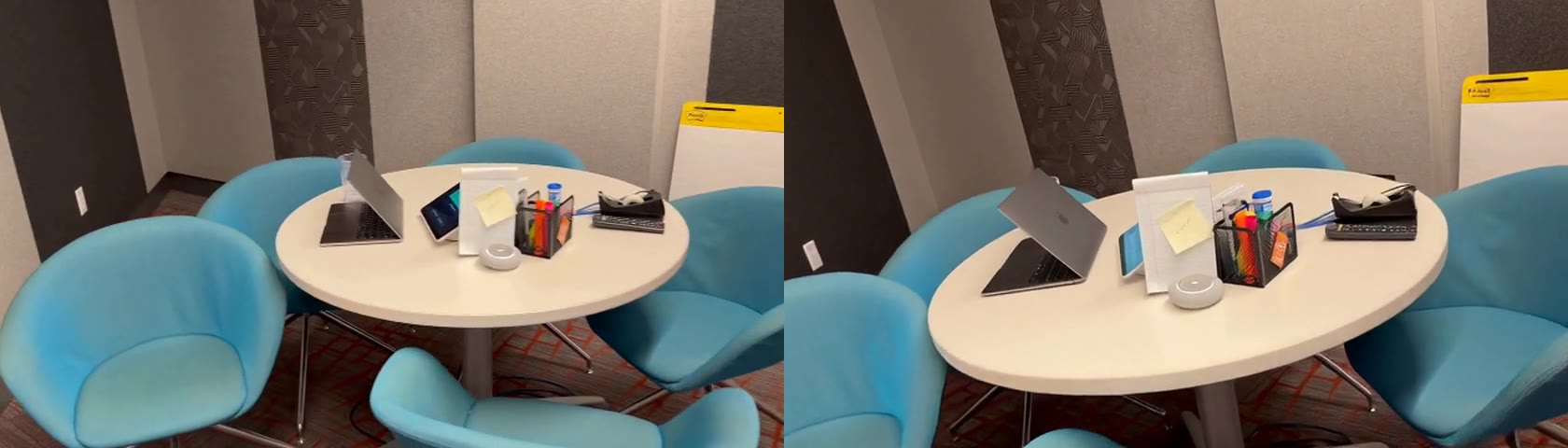
Resolution deficit example
Reshoot with pickup · 3 videos
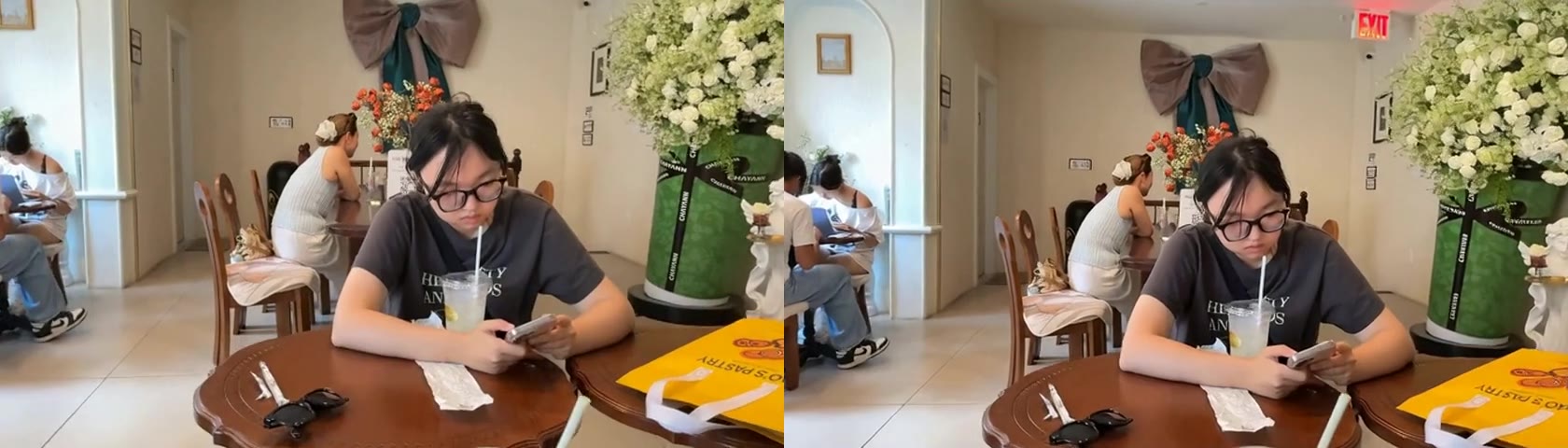
Retime example
Timing comparison · 1 video
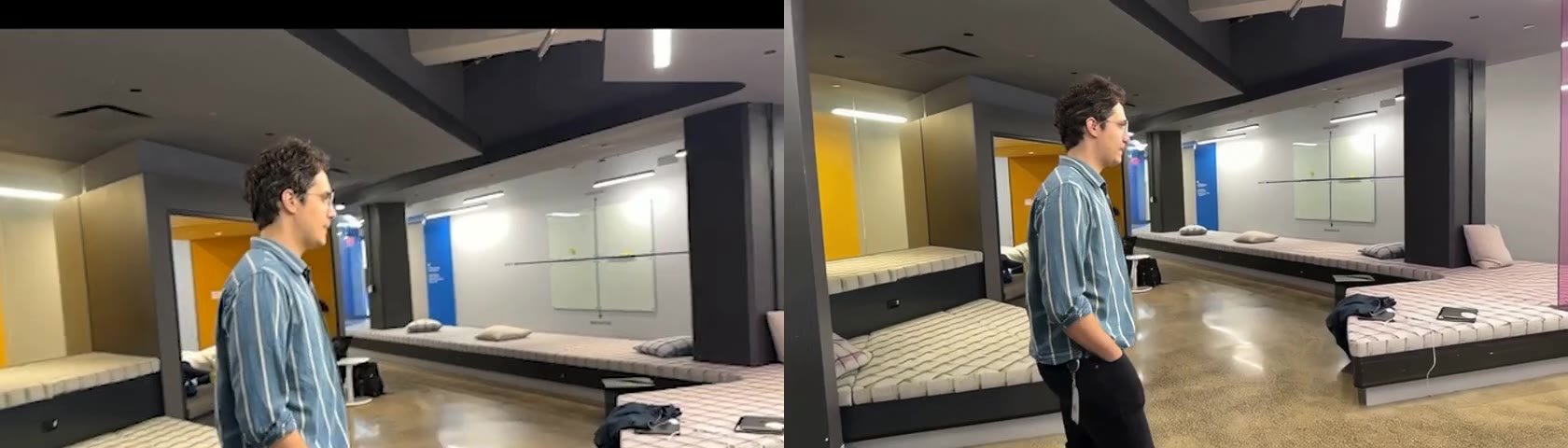
Revise the move
Balanced reshoot · 3 videos
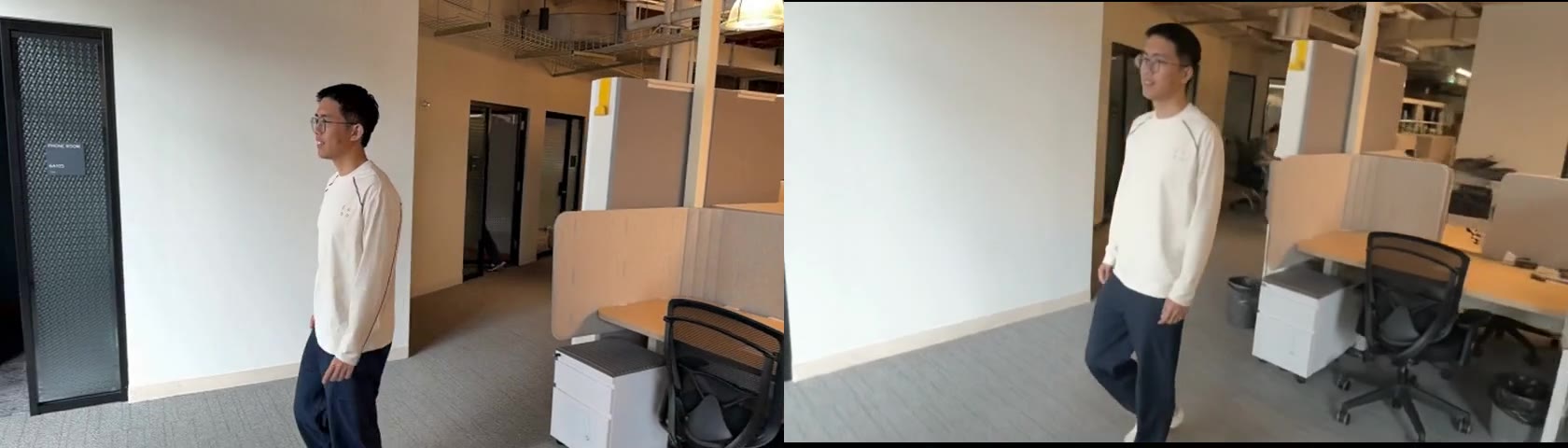
Walking
Gemini Omni Flash reshoot · 4 videos
Interactive visualizers and mobile app
Coming soon. Preview how moving between the captured take and target move changes hallucination risk.